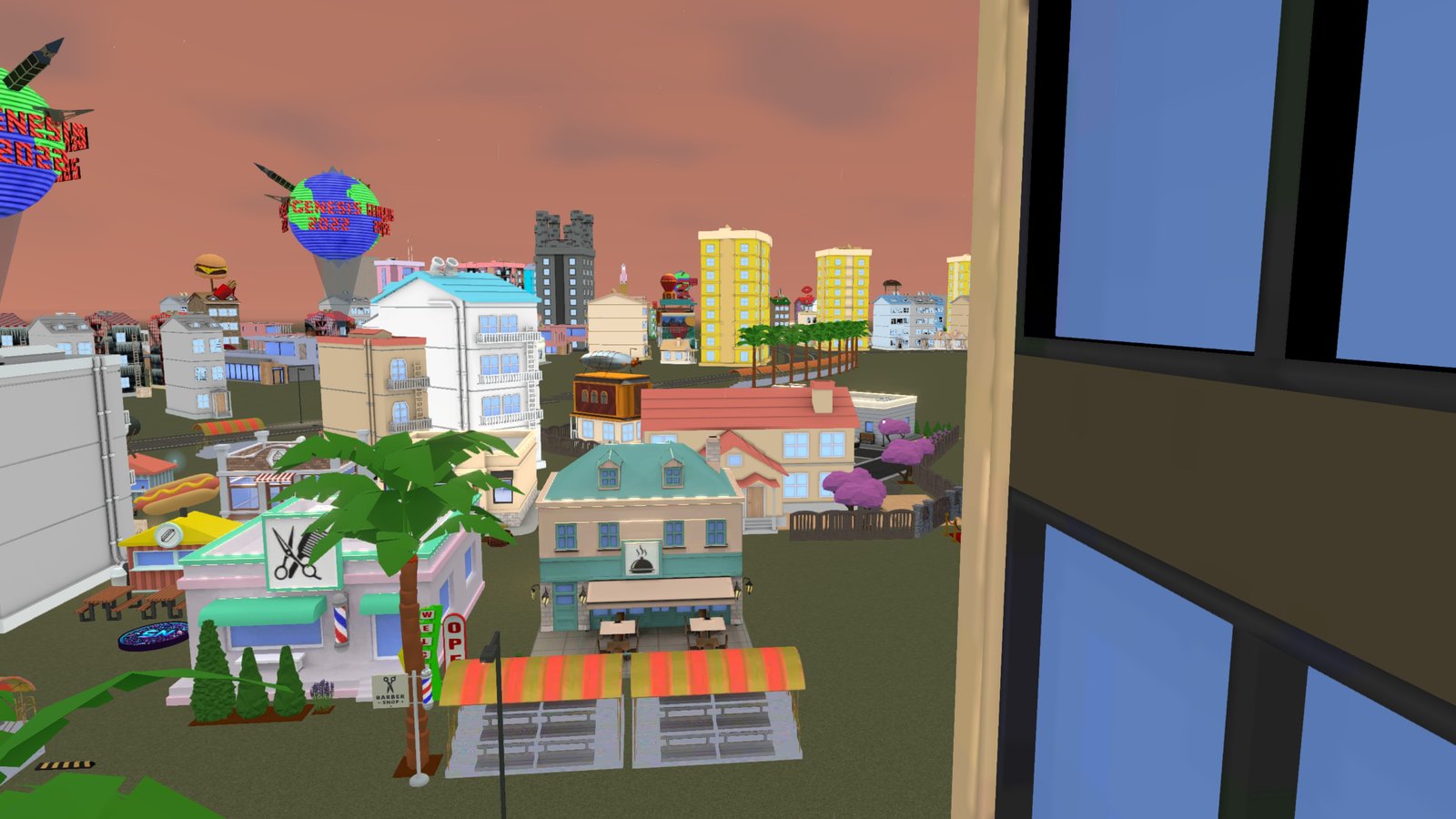
 01 / PREVIEW THE PLACE ↗
3152 Budau Ave
The Real Node Gallery
The original gathering place. Explore art, meet the neighborhood and bring your Upland identity into a shared 3D world.
Enter now THE REAL NODE LA
EL SERENO / LOS ANGELES
The Real Node LA
Meet your crew. Drive El Sereno. Discover a live social VR world in your browser — no game app download needed.
Play in your browser. In-game, tap VR or AR at the top right on a compatible device.
PICK A PLACE. FIND YOUR PEOPLE.
One neighborhood. 13 ways in.
Choose a map pin to enter the live world.
Choose a destination from the accessible list below.
EXPLORE YOUR NEIGHBORHOOD
Art. Arcades. Live music. A night out.
Every destination opens into the same world.
01 / PREVIEW THE PLACE ↗The original gathering place. Explore art, meet the neighborhood and bring your Upland identity into a shared 3D world.
Enter now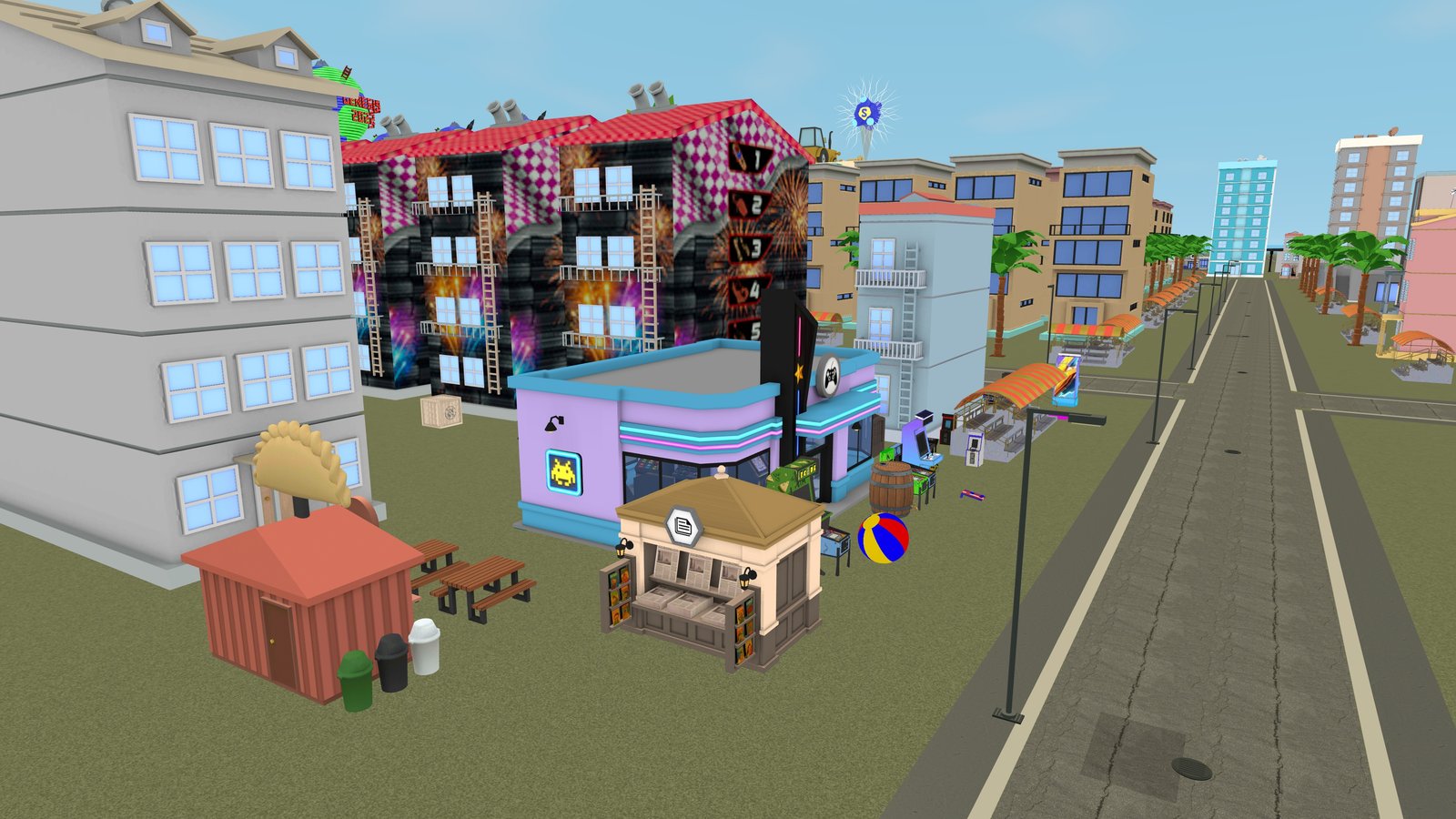 02 / PREVIEW THE PLACE ↗
Step inside the real Upland arcade. Play, hang out and discover your next adventure in El Sereno.
Enter now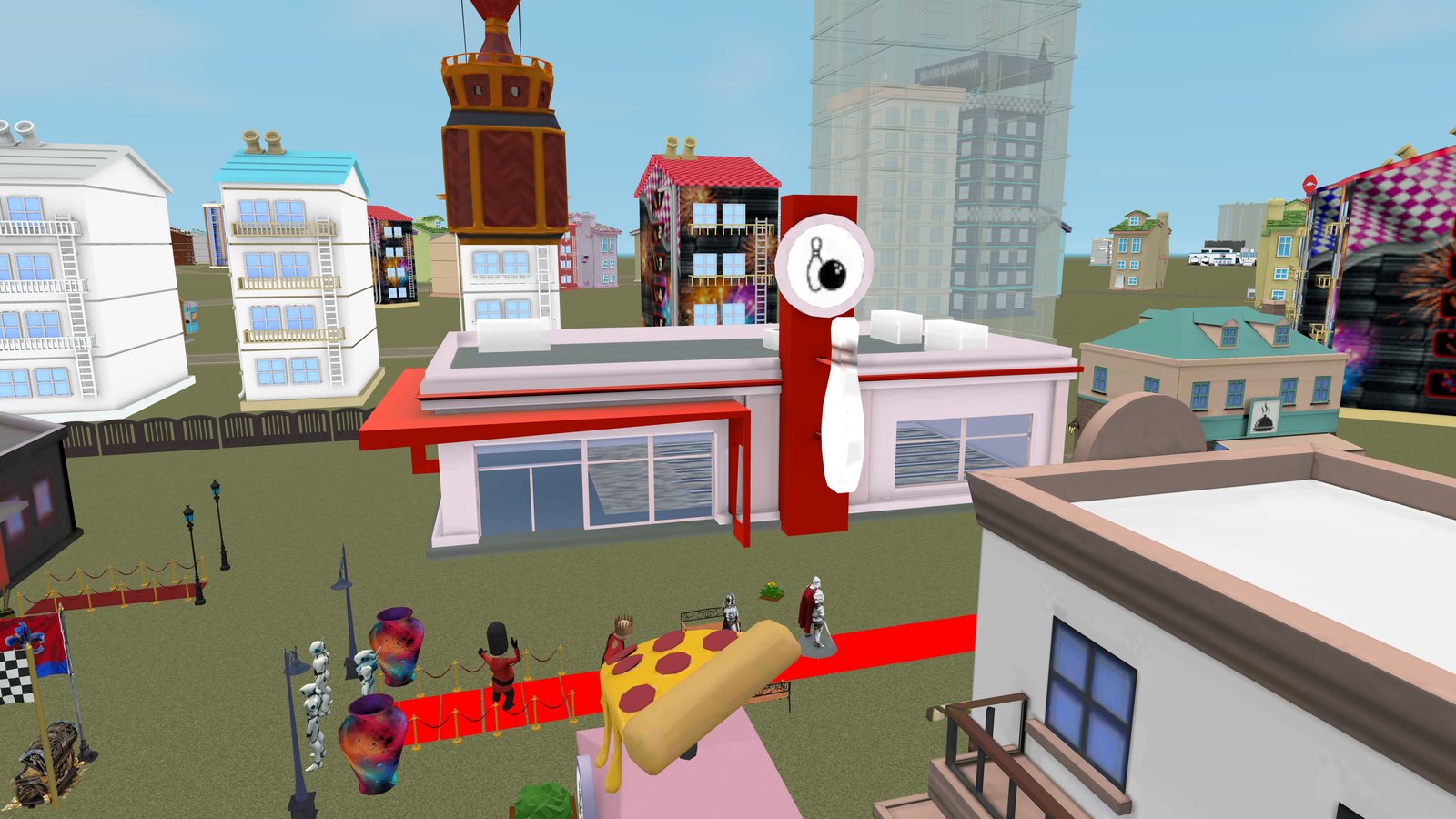 03 / PREVIEW THE PLACE ↗
Trade the street for the lanes. Meet your crew inside the bowling alley on Valley Boulevard.
Enter now 04 / PREVIEW THE PLACE ↗
 05 / PREVIEW THE PLACE ↗
Meet outside the stage, catch up with friends and make a night of it. The neighborhood is your venue.
Enter now 06 / PREVIEW THE PLACE ↗
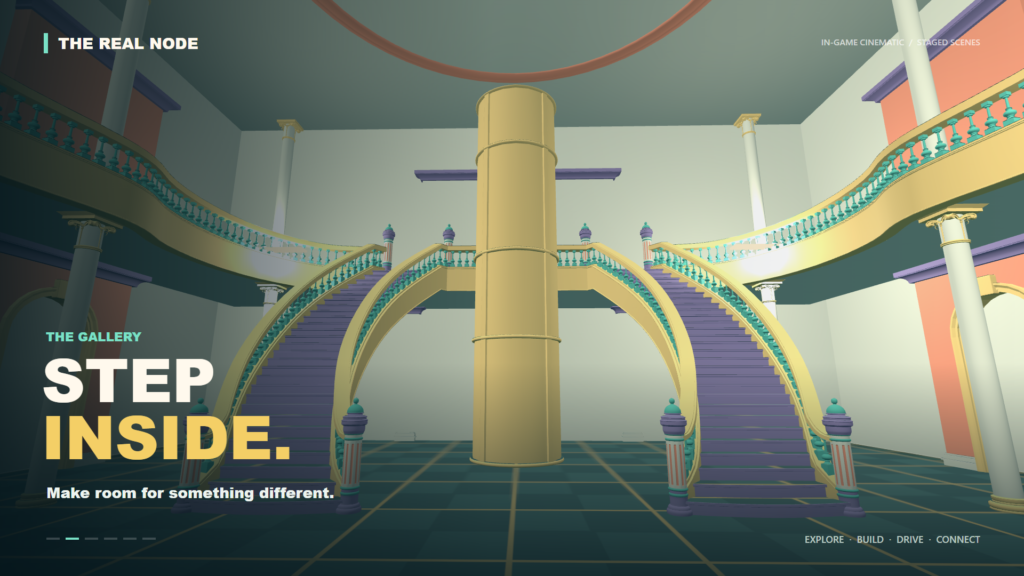
A place for fresh perspectives. Step inside the gallery and make room for art, conversation and discovery.
Enter now 07 / PREVIEW THE PLACE ↗
Drop onto the volleyball court. Bright sand, open skies and a place for your next neighborhood meetup.
Enter now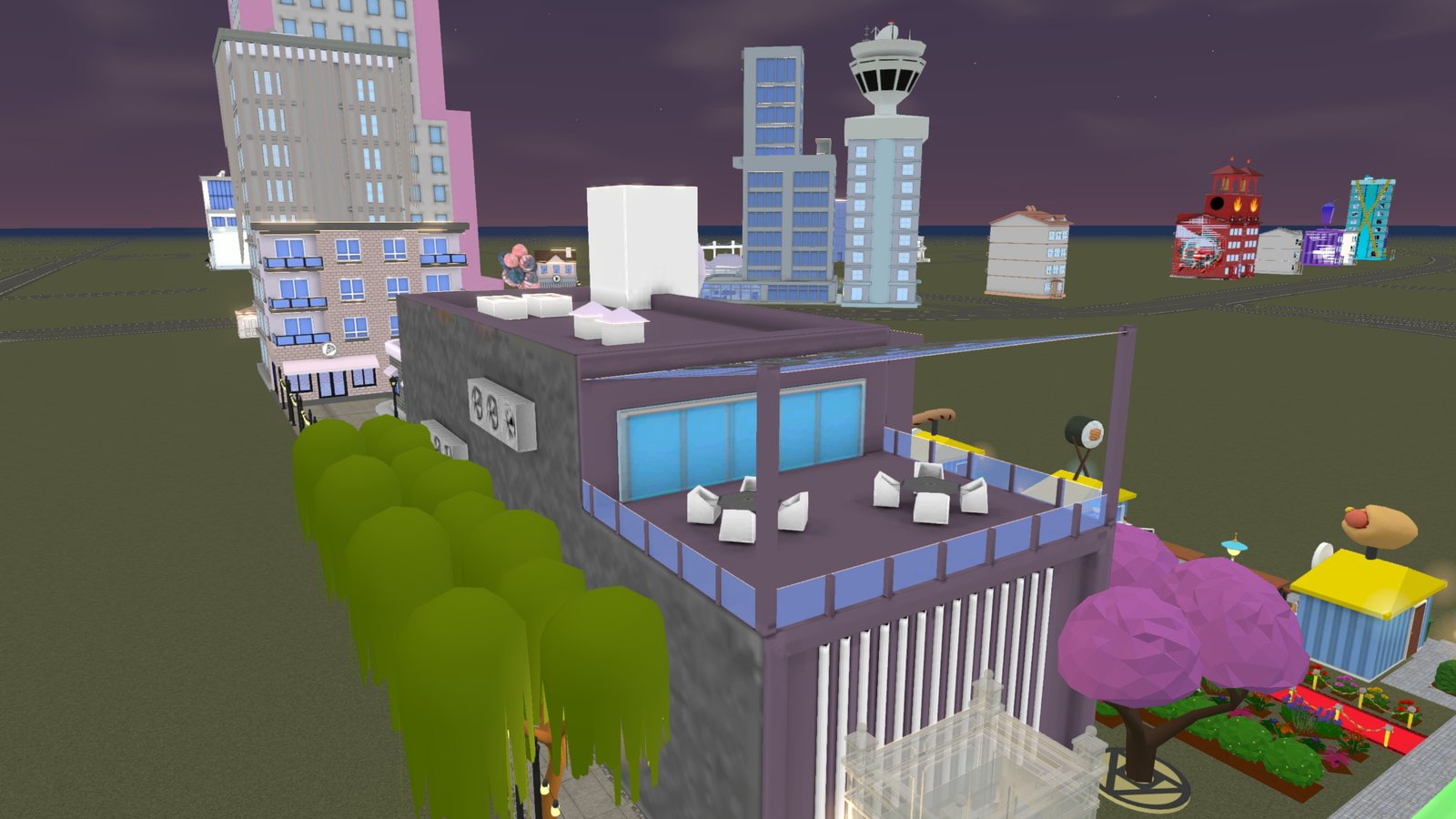 08 / PREVIEW THE PLACE ↗
Rise above the street. Gather in the open-air lounge and enjoy a new view of the neighborhood.
Enter now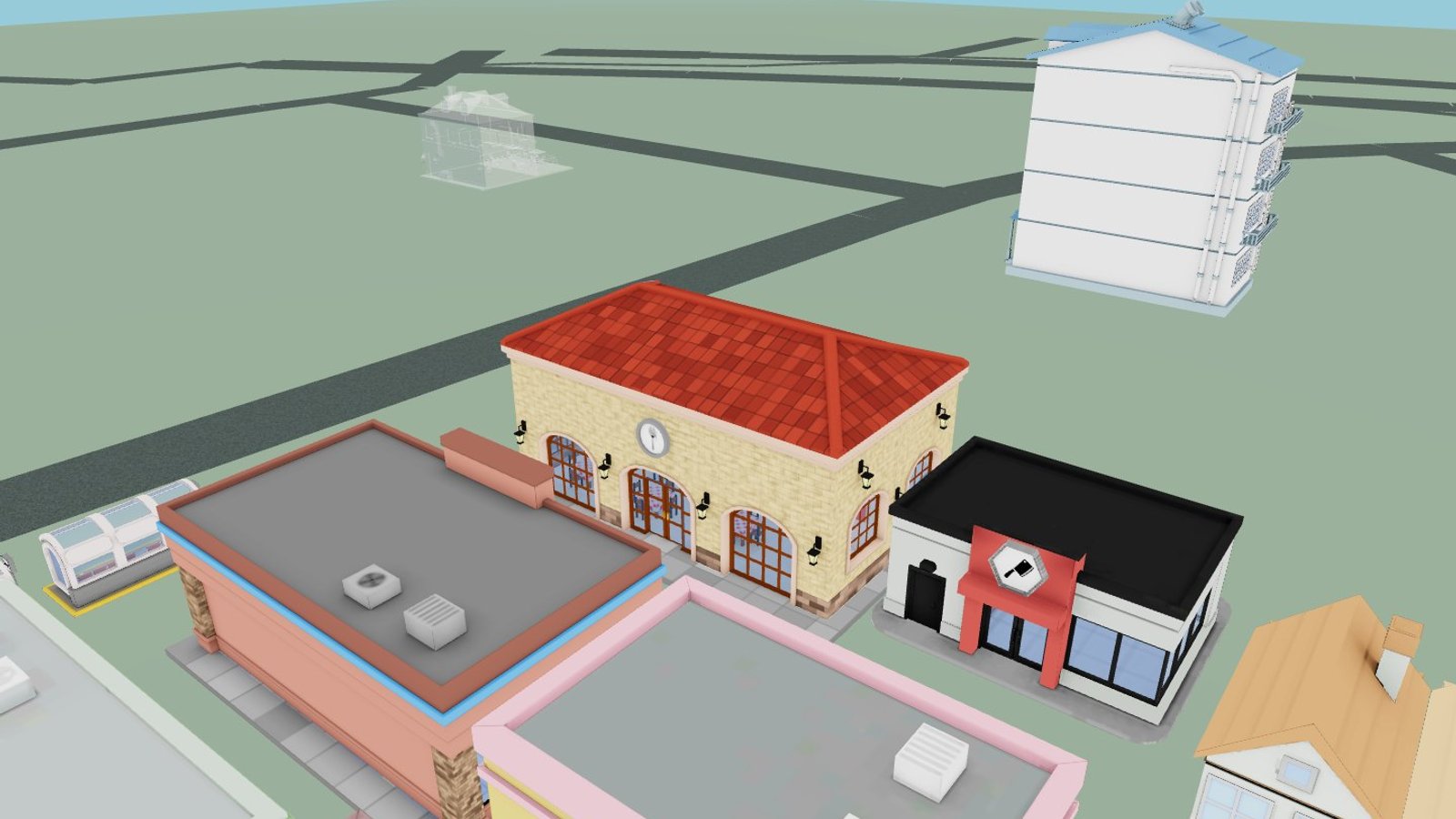 09 / PREVIEW THE PLACE ↗
Step into a lively neighborhood dining spot. Meet friends, share art and explore its original Upland interior.
Enter now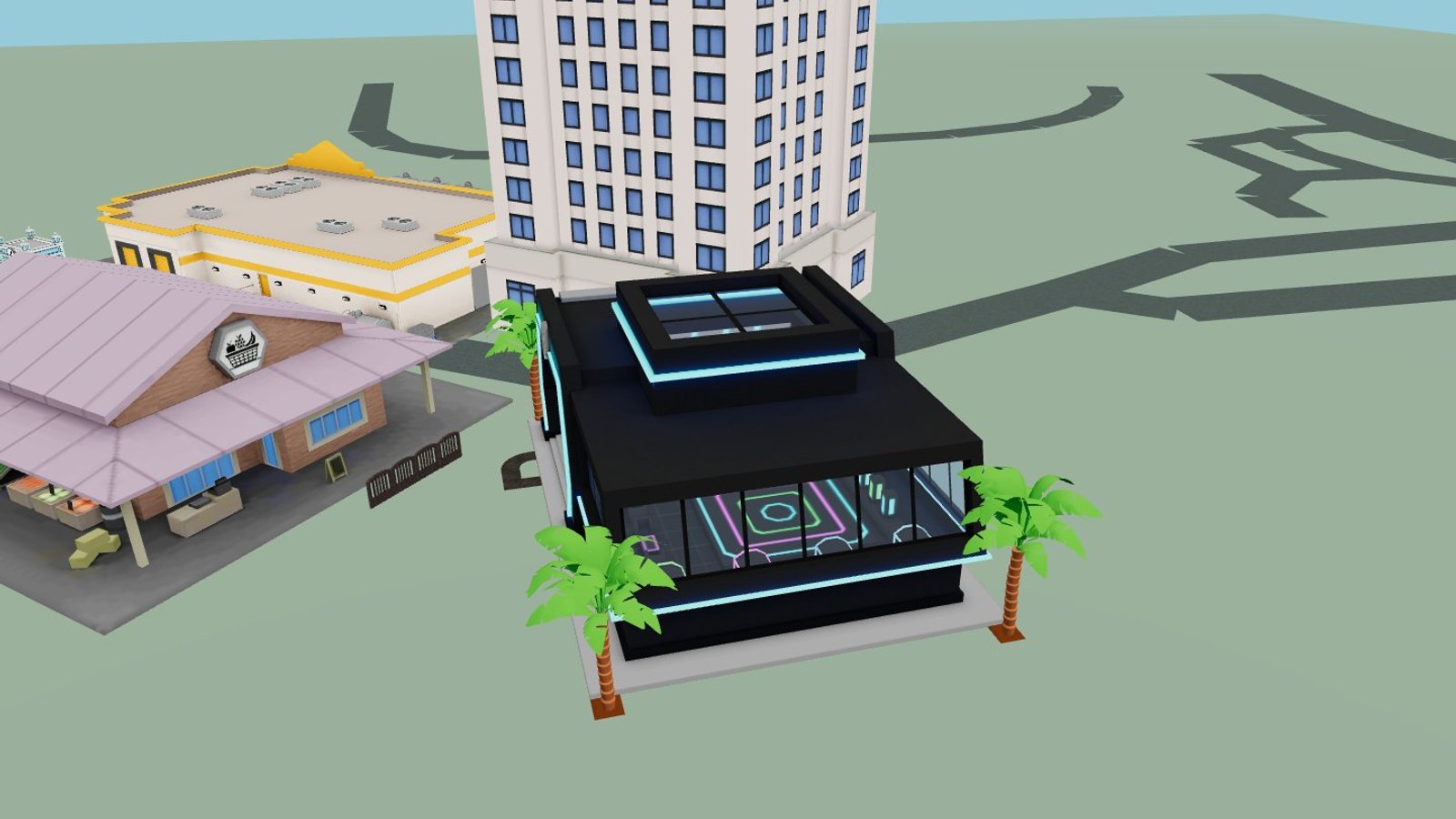 10 / PREVIEW THE PLACE ↗
A futuristic meeting point in El Sereno. Connect with friends and explore together from your browser or compatible headset.
Enter now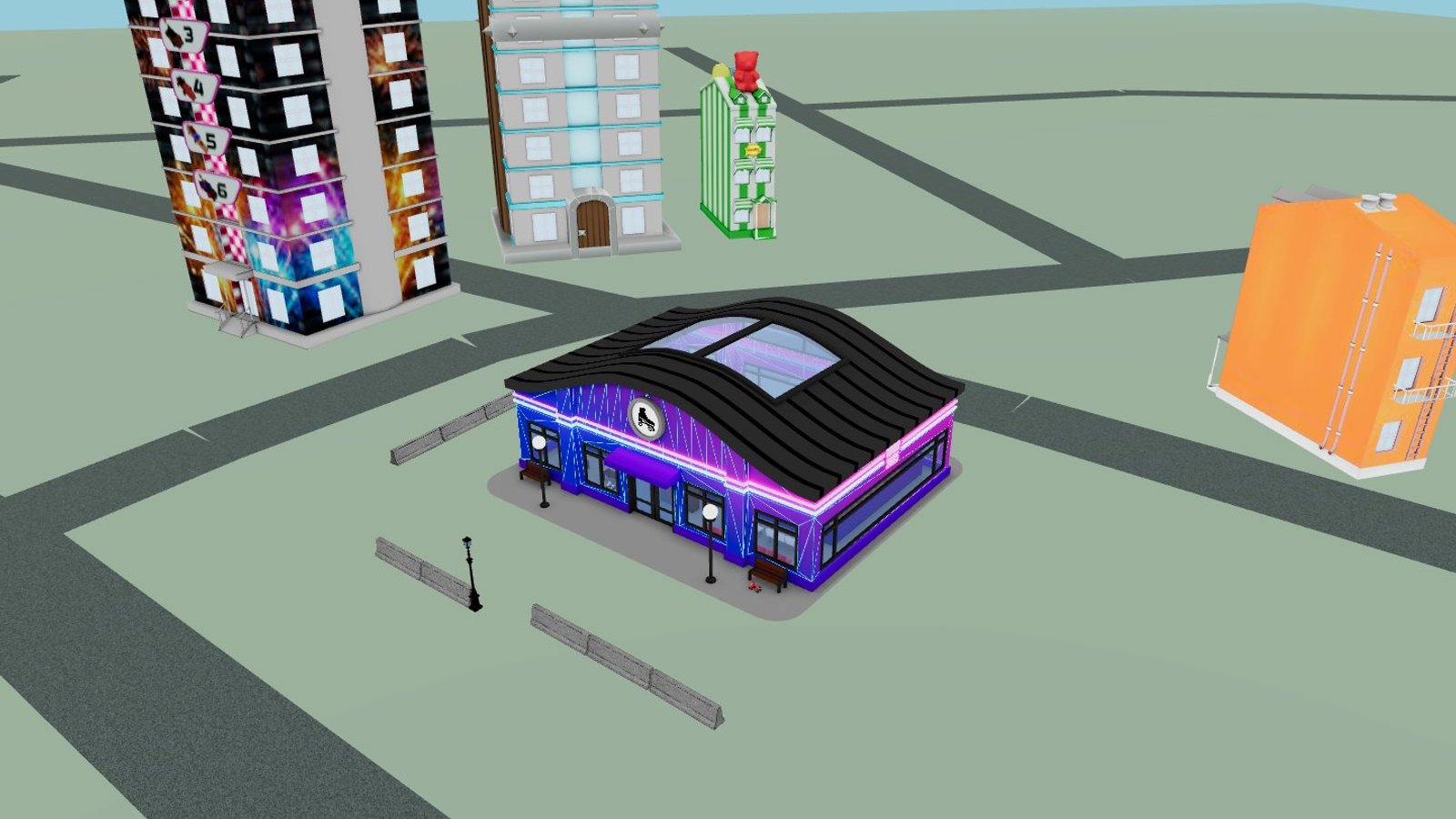 11 / PREVIEW THE PLACE ↗
Meet beneath the neon at the neighborhood roller rink. An original Upland venue for your next social gathering.
Enter now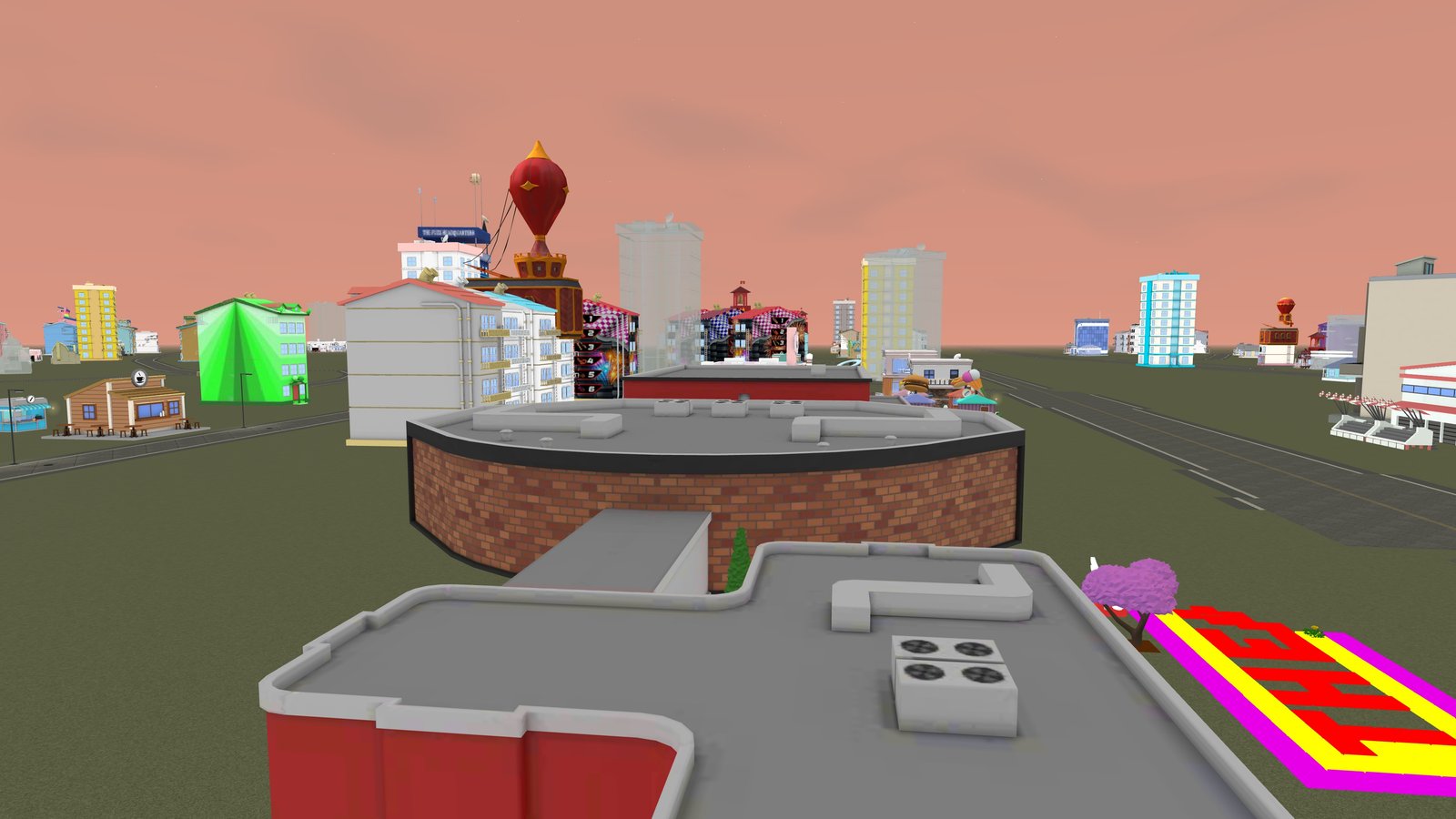 12 / PREVIEW THE PLACE ↗
Explore the front lobby, main hall and rear auditorium, with marked connecting routes and street exits.
Enter now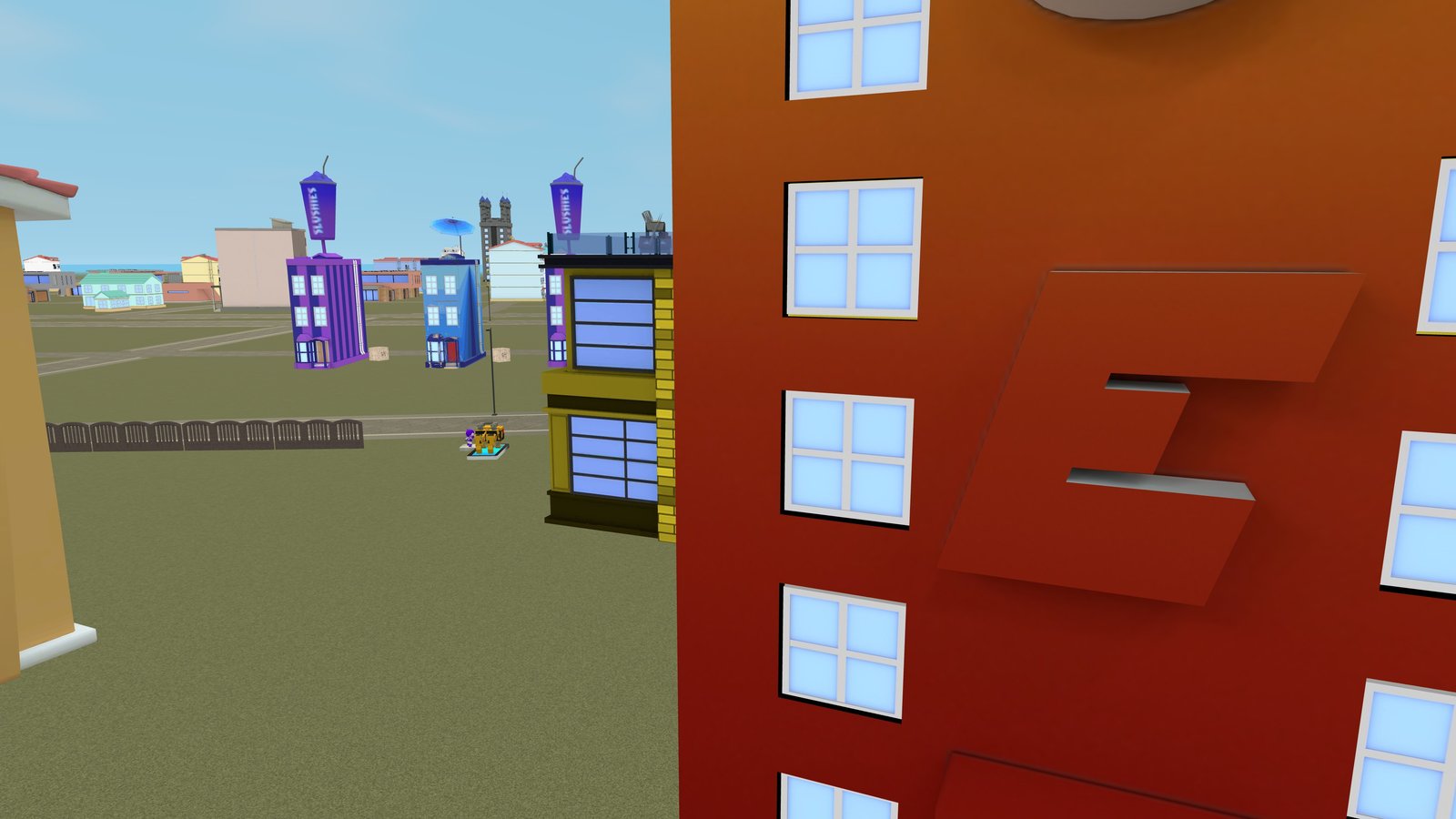 13 / PREVIEW THE PLACE ↗
Meet at street level, take a break on the upper deck, or head to the rooftop for a fresh view of the neighborhood.
Enter nowNO DOWNLOAD. JUST POSSIBILITY.
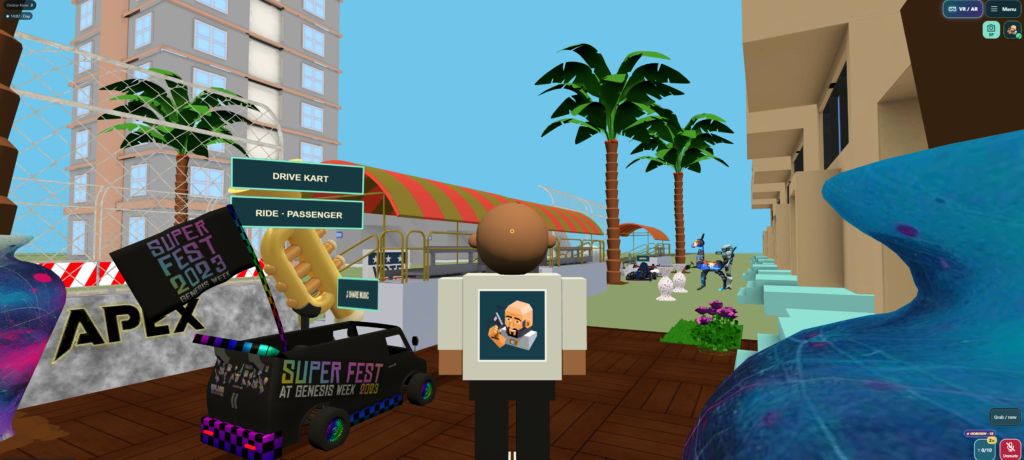
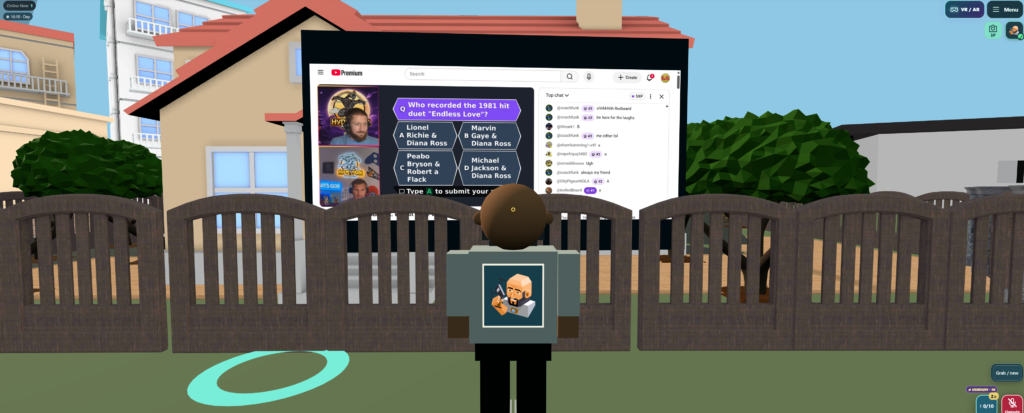
A social VR world and 3D browser game built around El Sereno, Los Angeles. Visit from your PC or phone, or enter immersive virtual reality and augmented reality on compatible WebXR headsets.
Browser entry is free. Headset, hand tracking and AR support vary by device and browser. Property ownership and purchases are managed separately in Upland.


BEFORE YOU JUMP IN
It is a website. Open TheRealNode.com in your browser, choose a place, then tap VR inside the game on a compatible WebXR headset. No game app download is needed.
Yes. Explore the 3D virtual world on desktop or mobile, then switch to VR or AR when your device supports it.
The neighborhood uses Upland property and structure data. Owners build and change their properties in Upland; The Real Node reflects available updates as data synchronizes. Temporary Upland API interruptions can delay updates.
The Connect Upland / Get connection code button is always in the header and in the connection panel above. Use the existing account flow; never paste an application API key into the game.
YOUR PEOPLE ARE OUT THERE.
The contest is paused while we redesign it following low participation. Previous scores and progress are saved; leaderboards are hidden.
Vehicle loading, boarding prompts and graphics recovery have been improved. Street poles now react to vehicle impacts and remain down for your session.
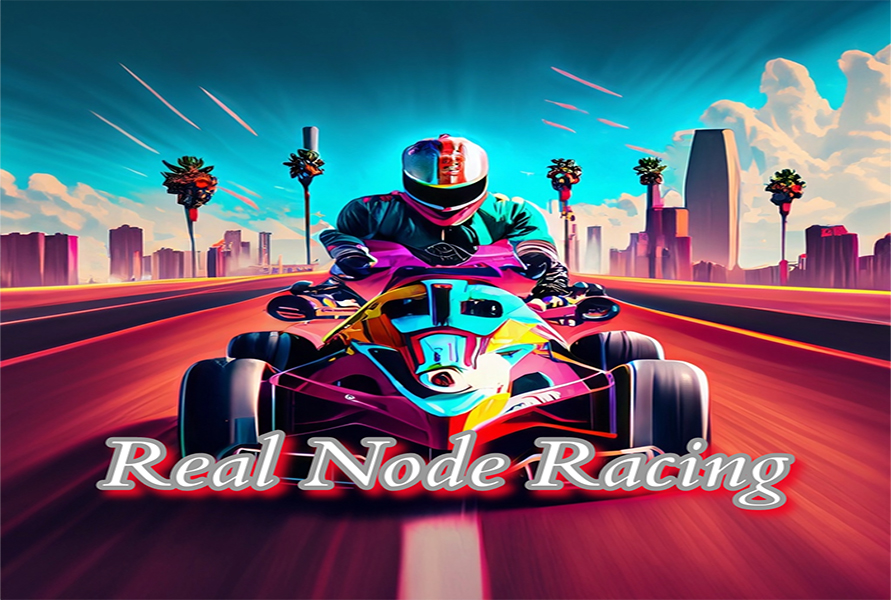
Racing update: the Series 1 family now exceeds 100 mph with distinct Upland-based performance. Trainer V1 and Series 1 engines respond to throttle and shifting, with blue exhaust bursts on performance vehicles.
Neighborhood chess: walk up to a Chess Table to see the full 32-piece set. Sit to play a neighbor or Stockfish, save your game as PGN, and let spectators follow every move. In VR, pinch or grip pieces and snap them onto legal squares.
Group-driving stability: radio players now release inactive station resources, and driving touches no longer restart old stations. Group voice and slow-frame processing are lighter; night views, vehicle detail and handling remain in place. A local driving report is available under Vehicles & sound if you encounter a freeze.
Construction equipment: native moving tracks, rollers, booms, buckets, hoists and dump beds; reusable session cargo, vehicle impact damage, group hospital recovery, diesel engines, hydraulics and throttle-driven grey exhaust. Open Equipment while driving a supported machine. City and school buses now use their official total seating capacities (37, 29 and 14), native passenger seats, first-person entry and a moving aisle. Emergency vehicles have switchable LED strobes and wail, yelp or Hi-Lo sirens. Equipped Legits and custom outfits stay locked throughout driving and seat changes, with wardrobe changes applied after exiting. Original Upland ownership and placements remain unchanged.
Vehicle controls repair: construction vehicles retain native size when map dimensions are placeholders. Steering and wheel spin use separate pivots. Hold equipment buttons on touch or in VR; hold R1/RB on a console controller for tools, with right-stick lift/slew, D-pad reach/bucket and L3 grab. Cross/A drives, Circle/B reverses, Square/X boosts, R2/RT hops, and R3 toggles emergency sirens. Mobile hop works while holding the accelerator. Emergency controls now use a compact illuminated siren bar.
Brighter emergency strobes stay attached at speed and illuminate nearby surfaces. Third-person pinch and wheel zoom now extends to an elevated helicopter view. Camera collision remains active. Construction drivers sit inside measured native cabs; crane and excavator operators follow their rotating cab. Long-held equipment controls no longer get cancelled by an absent Bluetooth controller. Excavator, crane and dump joints interpolate smoothly between updates. My properties and My Legits are under Menu → You. Online status is shorter and the playfield is clearer. Police, ambulance and fire sirens now have distinct harmonic loudspeaker and mechanical tone profiles.